


Levi
Team lead
“Ask me where a deliverable’s approval stands: I’ll sum up the feedback still pending.”
- Feedback summary
- Pending approvals
- Answers on every project

 on every mockup, site or video.
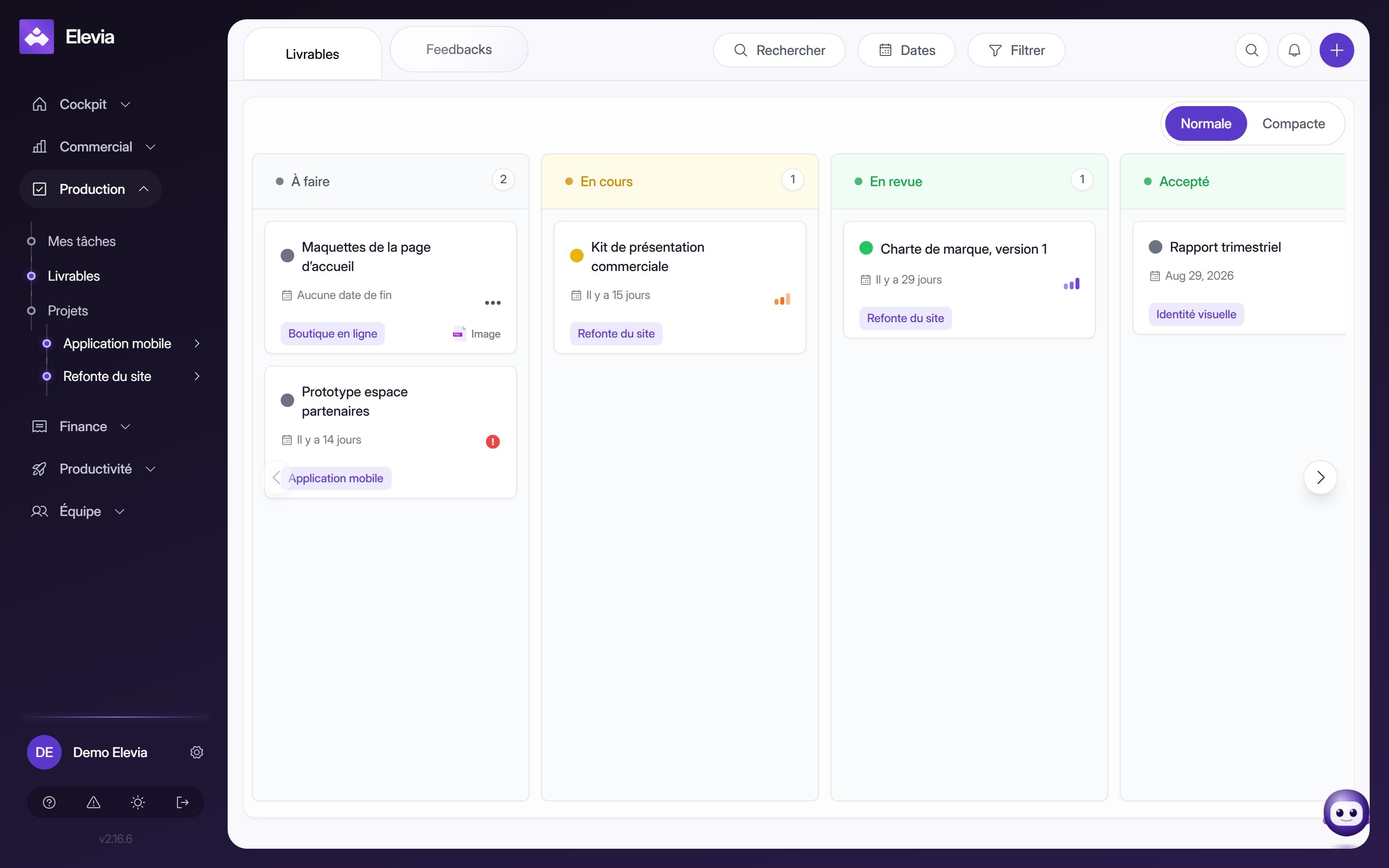
Your clients’ feedback comes in by email, WhatsApp or screenshot, and you lose track of which version it refers to. With Elevia, your client comments right on the deliverable, and every comment lands in the right place, on the right version.

More than 50 users already trust Elevia







Feedback, versions and approvals live in Elevia, linked to the project and the client. Your agents use them to keep you posted and prepare the invoice at the right time.
Team lead
“Ask me where a deliverable’s approval stands: I’ll sum up the feedback still pending.”

Sales assistant
“Deliverable approved? I’ll prepare the invoice: you review it, it goes out.”
Set each agent’s autonomy. Every action is logged.
1 place for all feedback
No more digging through emails and messages: every comment is on the deliverable, version by version.
Ruttl, Pastel or Markup.io annotate visuals, but they know nothing about your CRM or your invoicing. Elevia connects feedback, projects and client portal, with AI agents that know where every deliverable stands.
| Elevia | Dedicated tool (Ruttl, Pastel, Markup.io) | |
|---|---|---|
| Annotation on many formats | Websites, Figma, images, PDF, video | Varies by tool |
| Native Figma integration | Built-in plugin | Partial or missing |
| Feedback turned into tasks | In your project management | Copied over by hand |
| Timestamped client approval | Included | Depends on the plan |
| Client access without an account | Share link, optional password | Included |
| Connected to CRM and billing | Same platform | Isolated tool |
| AI agents | Levi sums up, Margot prepares the invoice | No link to your clients or invoices |
| Pricing | With the Projects module or Suite | Extra subscription |
| Free trial | 14-day free trial | Varies |
Ruttl and Pastel are good visual feedback tools, but isolated: comments stay in their interface, with no link to your project or your invoicing. In Elevia, a piece of feedback becomes a task in your project, the approved deliverable is invoiced in the same tool, and there is no extra subscription.
No. You share the deliverable through a link: your client opens it and comments, with no signup or browser extension. You can protect the link with a password and set an expiry date. If your client already has access to your portal, they also find the deliverable in their space.
Live websites, Figma mockups, images, PDFs and videos, with comments placed on a precise moment of the video. One tool for the deliverables of a web developer, designer, motion designer or art director.
Every iteration is saved as a new version of the deliverable. You see what changed between V1 and V3, who asked for what, and which version the client approved, with their name and the date.
Yes. In Elevia, a comment becomes a project task in one click, with its owner and deadline, with no retyping. You know what is left to fix before the next version.
Yes. The Elevia plugin installs in Figma and syncs your frames with your Elevia project. Your client comments in Elevia, and you find their comments back in Figma, in the right place.
Yes. Your client approves the final version in Elevia, and the approval date is recorded. You keep a written record for every deliverable, with no need to ask for confirmation by email.
Yes, where it's useful. Levi answers your questions on any project, such as feedback still pending or deliverables awaiting approval. Margot can prepare the invoice once the deliverable is approved, then follow up if it goes unpaid. A question uses 1 credit and an action 2 credits; collecting and handling feedback yourself never uses credits.
Deliverables and client feedback: included in the Projects module (+€19 ex. tax/month), added to Essential, and in Suite (€89 ex. tax/month). The 14-day free trial gives you access to the full platform. See our Pricing page for full plan details.
Your whole client journey in one tool, and AI agents that handle the rest. Import your contacts in minutes and get started today.
Replace your scattered stack and work more effectively.